🏁 Getting Started
🧩 build.visualli.ai
What is it?
build.visualli.ai is a collaborative dev workspace that allows devs to work on Visualli.ai projects from anywhere in the world, without having to set up or configure their local development environment. All you need is a browser and an internet connection.
Why?
- Faster to get started, as we aspire devs to be able to commit, submit and merge their PRs on their day-1️⃣ without any friction.
- OS and Version mismatch of dependencies between local and runtime environments is a common problem, and we want to avoid
it worked on my machineproblem by all means.
How?
- Ensure your personal workspace is started first.
-
Go to 👉 https://build.visualli.ai, login using your
@visualli.aicreds. -
Click on your workspace and Get Go! 🚀
NOTE:
GitHub Copilotand other GitHub extensions are pre-configured.
⬇️ Clone Repos
-
Open VS Code, and clone the following repositories as shown below:
-
visualli.ai -
https://github.com/visualli-ai/visualli.aiFull-stack repo of Visualli.ai (frontend, backend, ai-engine, official website, etc)
-
wiki.visualli.ai -
https://github.com/visualli-ai/wiki.visualli.aiRepo consists of the documentation for Visualli.ai (this wiki)
-
visualli-labs -
https://github.com/visualli-ai/visualli-labsRepo consists of all the experimental stuff for Visualli.ai
-
-
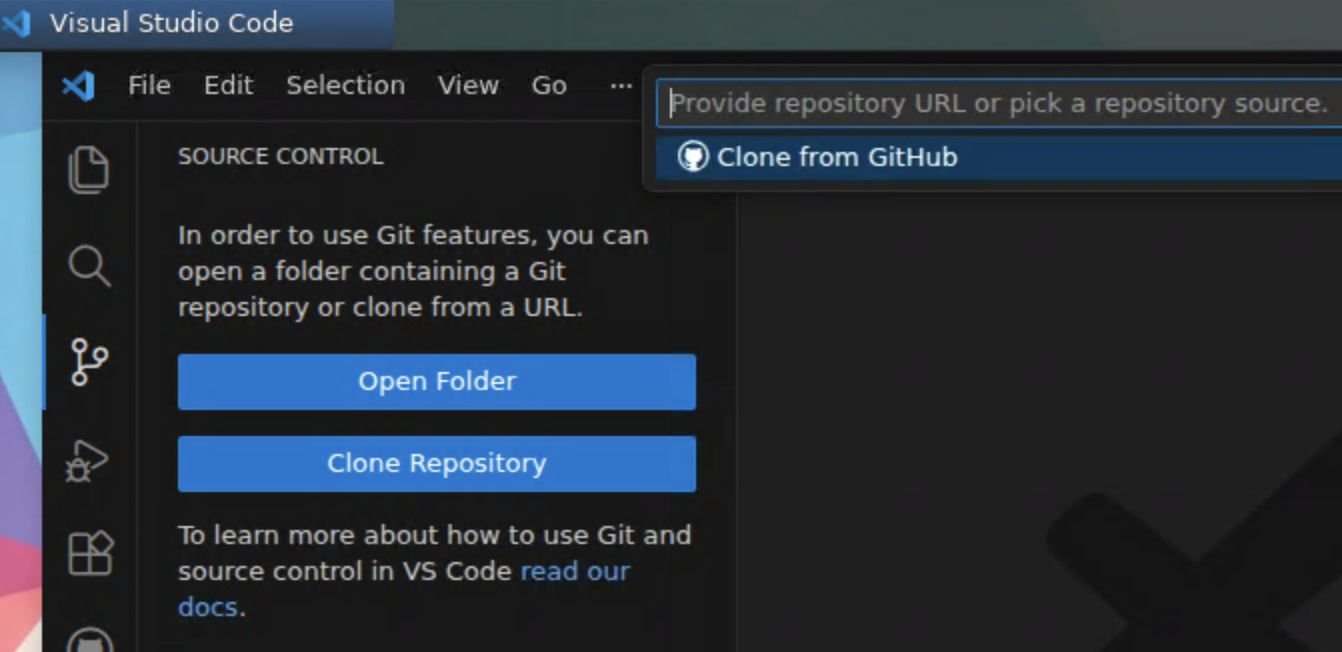
Select
Clone Repository->Clone from GitHub
-
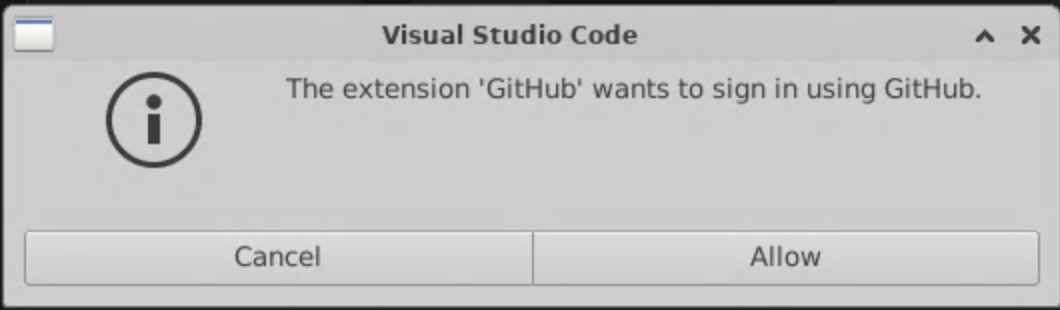
Click
Allow
-
Choose
visualli-botif it appears
-
If
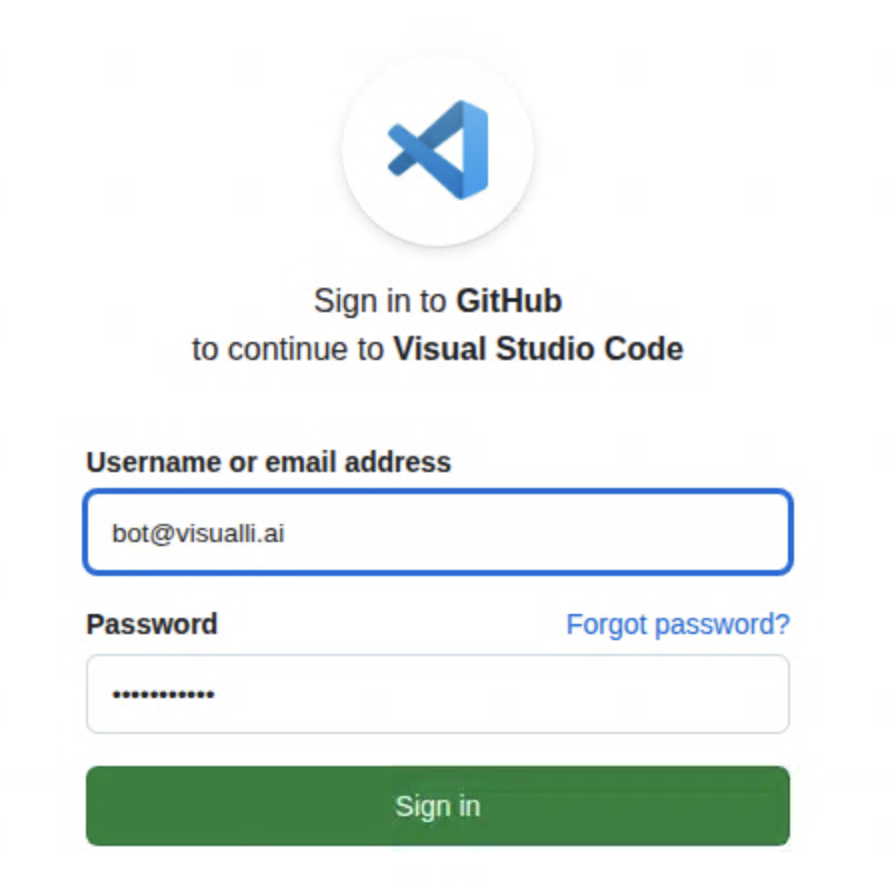
visualli-botdoes not appear above, then followSign in to GitHub, the username/password auto-fills itself
-
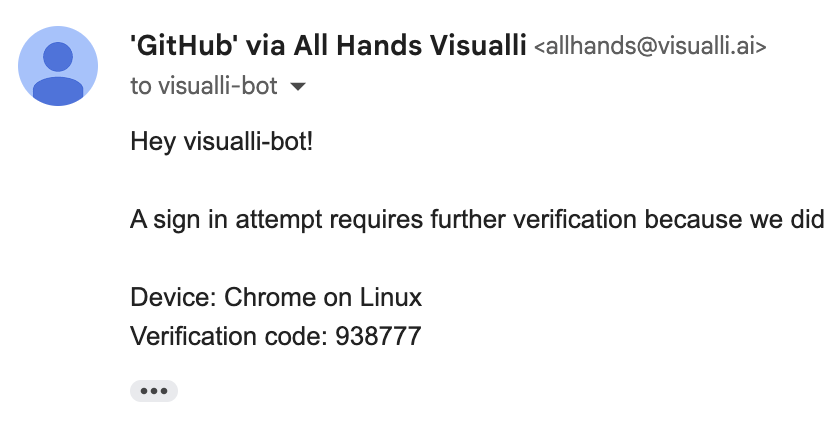
Check your
@visualli.aiinbox for the verification code
-
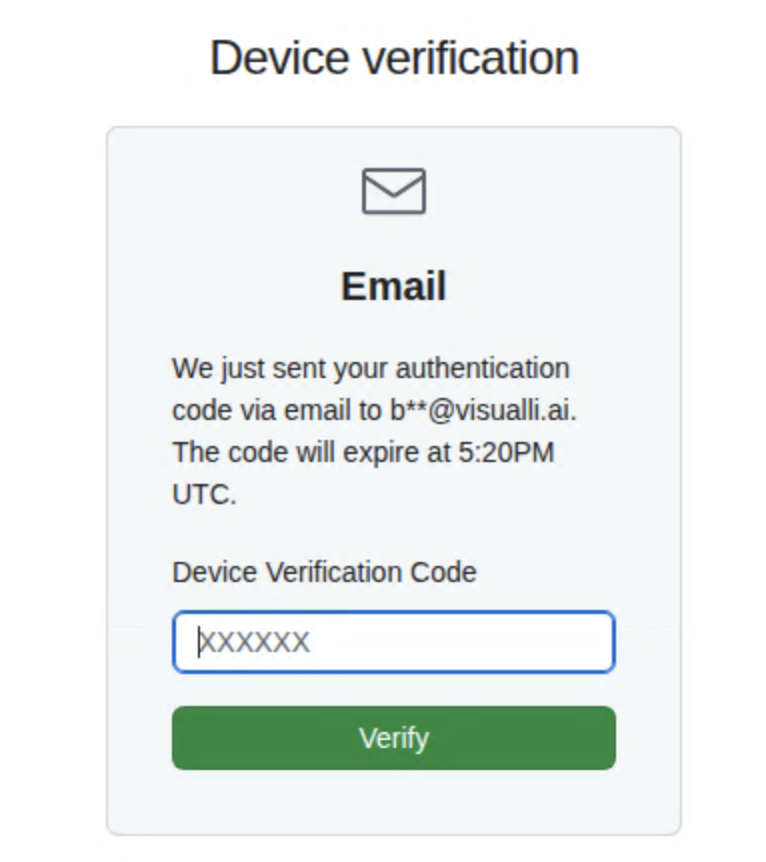
Enter the verification code, Voila!
⤴️ Pull Requests / Workflow
- Follow the dev workflow as described here
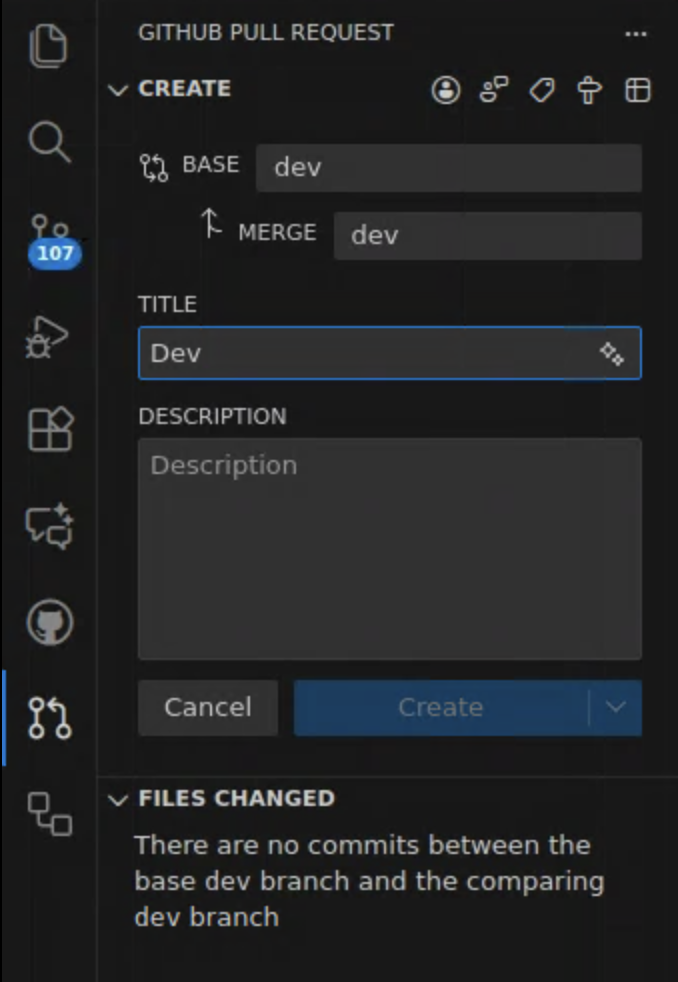
- Submit your PR using the VS Code extensions (
GitHub Pull Requests) as shown below